Self-Hosting - Week 1 - Hardware
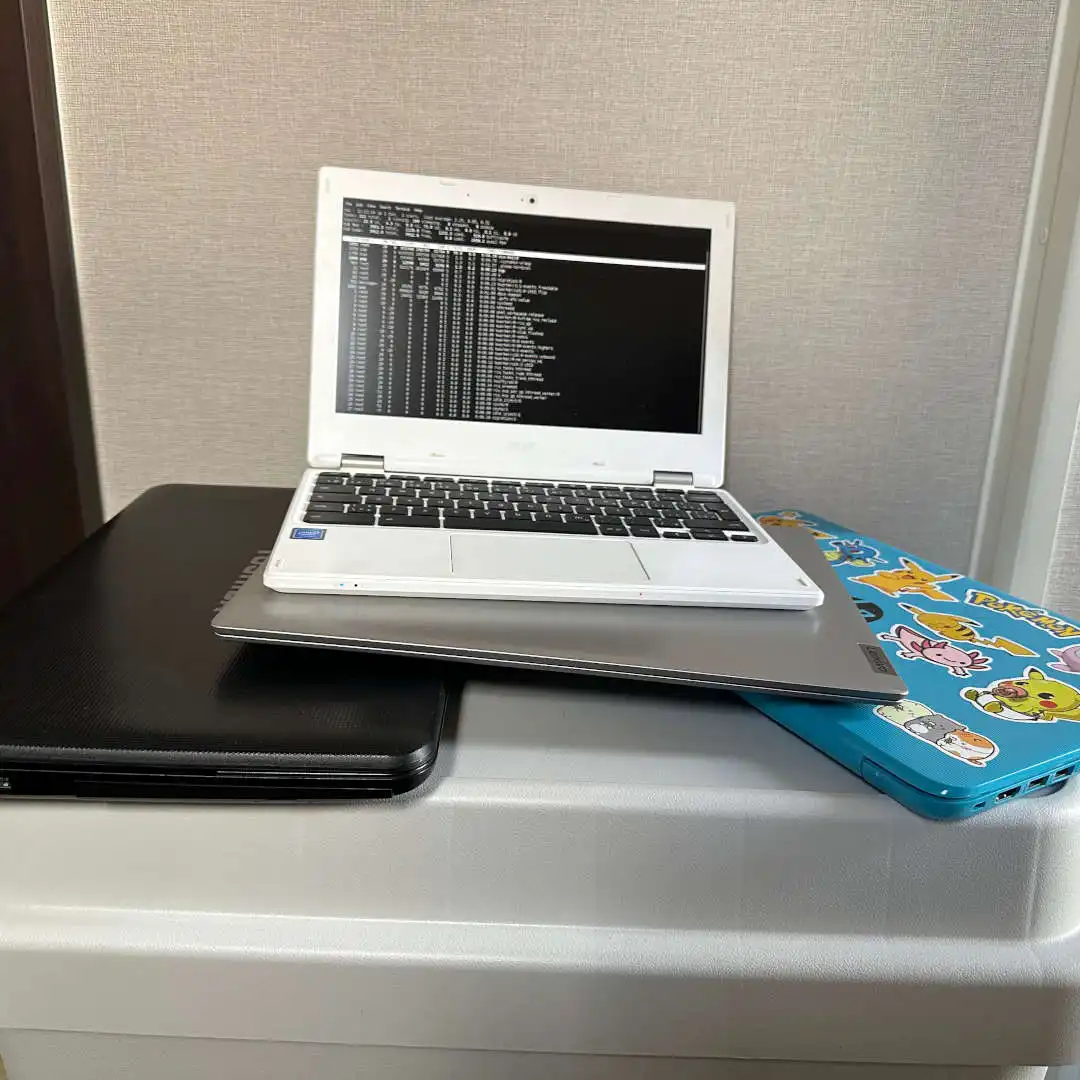
Think you need expensive hardware to start self-hosting? Think again. In Week 1 of our practical self-hosting series, a 30-year IT veteran explains why your 5-year-old laptop is the perfect, cost-effective server for your business.
Self-Hosting Week 1: Why Your Old Laptop is the Perfect Server (Start With What You Have)
After 30 years in IT, I’ve learned one undeniable truth: the most expensive hardware is always the one you didn’t need to buy.
If you’re a business owner, freelancer, or IT-curious professional in Japan looking to reduce cloud dependency, lower monthly SaaS fees, and regain control over your digital infrastructure, you’ve probably wondered where to start.
Before we touch a single line of configuration or install a single piece of software, we need to talk about hardware. And I want to challenge the biggest misconception I encounter in nearly every consulting engagement:
"Don’t I need a proper, enterprise-grade server for this?"
The short answer is no. In fact, starting with that mindset is likely costing you time, money, and momentum.
Welcome to Week 1 of a practical, multi-week series on self-hosting. Today, we’re talking about hardware selection, and why the best server you can buy is the one you already own.
The Myth of the "Proper" Server
When people hear "self-hosting," they often picture a loud, rack-mounted machine in a climate-controlled closet, drawing massive amounts of power and requiring a dedicated IT team to maintain.
For a small to medium workload, this is massive overkill.
A modern laptop from 5 to 7+ years ago (think 2019–2021 models) is more than capable of running a robust self-hosted environment. Whether you want to set up:
- Secure file sharing and sync (like your own private Dropbox)
- Internal company wikis and documentation
- Project management tools (like Kanban boards)
- Automated backup systems
- Private cloud storage for client data
All of this runs comfortably on hardware that is likely sitting idle in a drawer or closet right now.
Why a Laptop is Actually Better Than a Desktop Server
You might be wondering: Why specifically a laptop? Why not an old desktop PC?
In enterprise IT, we spend thousands of dollars on UPS (Uninterruptible Power Supply) systems to protect servers from power fluctuations, outages, and sudden shutdowns that can corrupt data.
A laptop solves this elegantly, quietly, and cheaply: it has a built-in battery.
While Japan has a highly reliable power grid, brief power interruptions do happen, whether due to severe weather (typhoons, heavy snow), localized grid maintenance, or accidental unplugging. If a desktop server loses power abruptly, you risk data corruption. If a laptop loses power, it simply switches to battery. You have time to save your work, shut down gracefully, or ride out a brief flicker.
That’s not a workaround. That’s intelligent, cost-effective infrastructure design.
Additionally, laptops are:
- Power-efficient: They draw a fraction of the wattage of a desktop, keeping your electricity bill low.
- Compact: They take up virtually no space in a home office or small business environment.
- Quiet: No loud rack fans needed.
Your Week 1 Action Plan
Before we move on to software, here is your practical homework for this week:
- Scout Your Inventory: Look for an old laptop. Ideally, it should have at least an Intel Core i5 (8th Gen or newer) or AMD Ryzen 5 (3000 series or newer), 8GB of RAM (16GB is ideal), and a 256GB SSD.
- Assess Its Health: Does it boot up? Does the battery hold at least a partial charge? (Even a degraded battery is better than no battery for brief power flickers).
- Wipe It Clean: If it has an old OS on it, don’t worry. In Week 2, we will be completely wiping it and installing a lightweight, server-optimized operating system.
- Gather Accessories: Find the original power adapter. If you have an Ethernet cable, grab that too (a wired connection is always preferred for servers).
Don’t have an old laptop? No problem. You can often find excellent, off-lease business laptops (like Lenovo ThinkPads or Dell Latitudes) on Japanese resale markets like Mercari, Yahoo! Auctions, or local shops like Janpara or Sofmap for under ¥15,000.
What’s Coming in Week 2?
Now that you have your hardware, the next step is giving it a brain. In Week 2: OS Selection, we’ll dive into how to choose and install a lightweight, secure, and beginner-friendly operating system (like Ubuntu Server or Debian) that will turn your old laptop into a reliable, headless server.
No jargon, no fluff—just clear, step-by-step instructions backed by real-world experience.
Get in touch for a free initial consultation.
Feel free to reach out Contact Form
or
Here you can schedule a call with Pier Alberto.
calendly.com/pierinijp/30min